
This method allows you to embed a page/post excerpt from another WordPress website.
For example, an embedded page/post that has a featured image will look like
the following (if there is no featured image, then there will be just text):
All you need to do is paste the URL of a WordPress page/post into the editor (visual or text mode) and it will render a block like above.
Note that in the footer there is a link to the website where the page/post is from, which is the Engineering website in this example.
CAVEAT: If a page/post is using Divi Builder, the box above will only show the title and the footer.
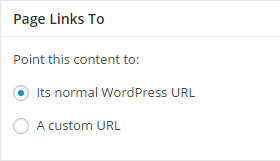
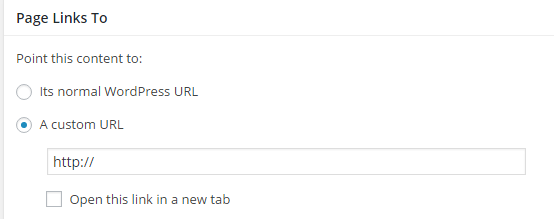
This method allows a page/post's title to be a direct link to an external URL instead of to its WordPress URL. When using this method, clicking on a page/post's title will immediately open up the external URL (bypassing the actual page/post).
Updated 20170712