Newsletters
- Login to Wordpress
- Create a new post or page
- Enter a title and Click "User the Divi Builder"

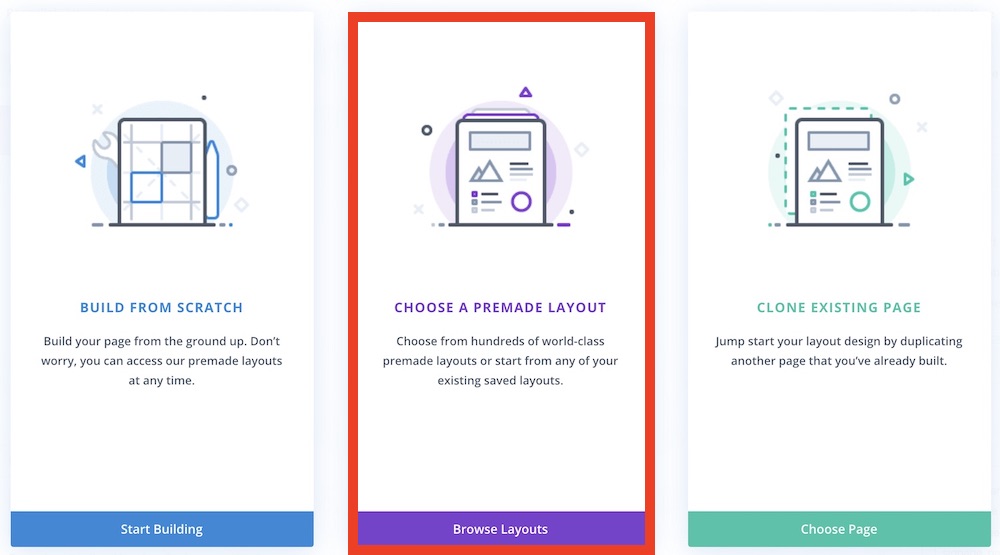
- Select "CHOOSE A PREMADE LAYOUT"
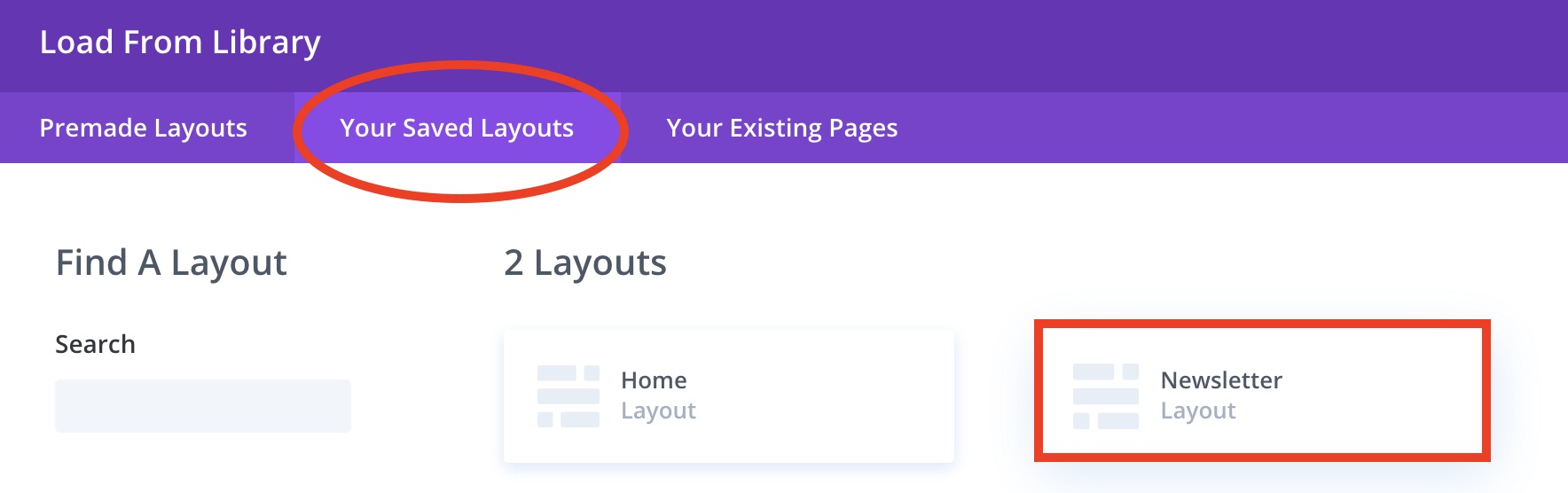
- Select "Your Saved Layouts" and click "Newsletter"
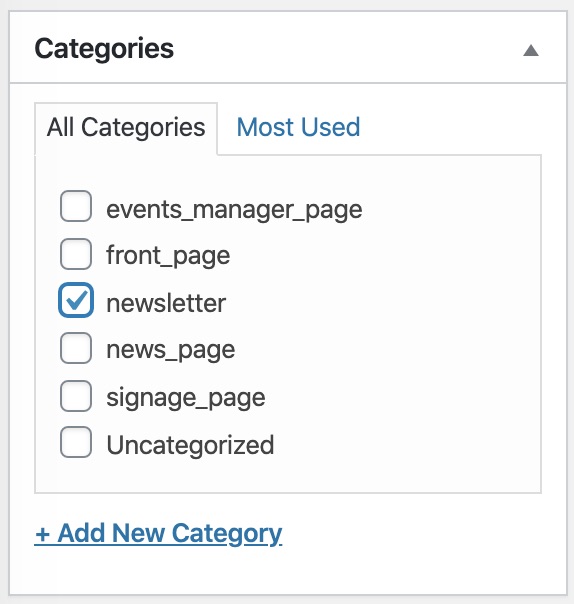
- Check "newsletter" category
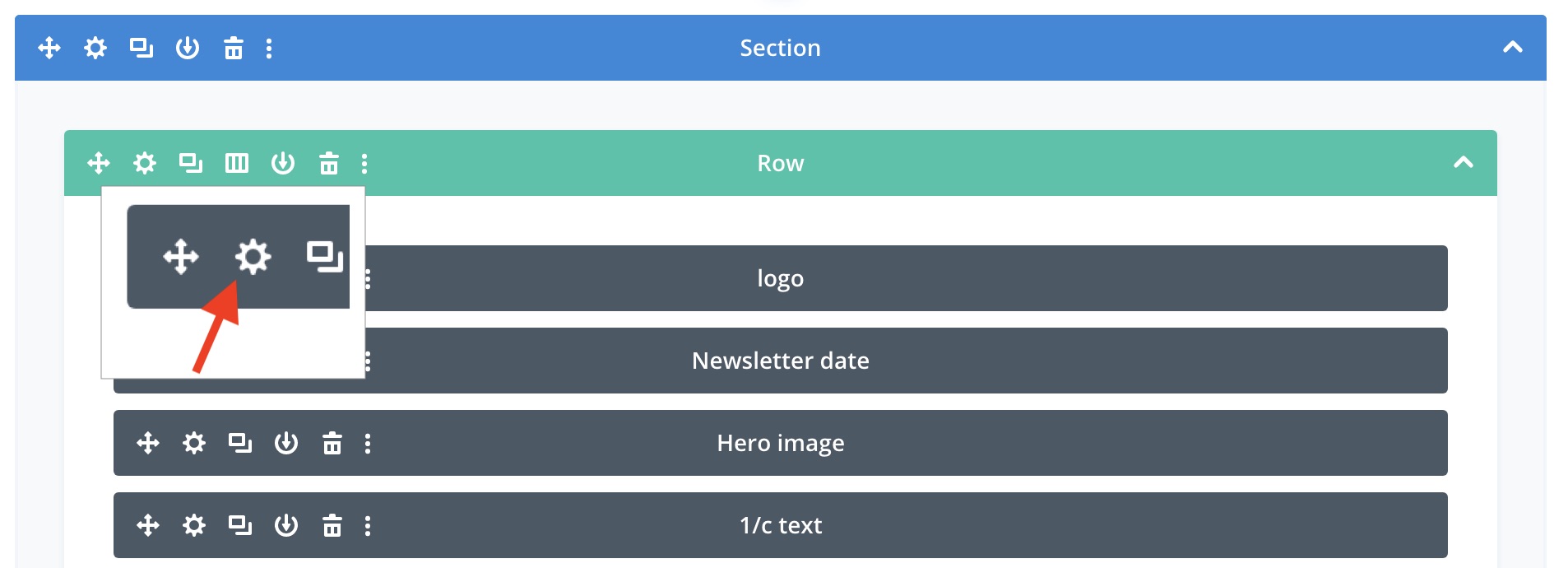
- Edit content by clicking the gear icon of an element that you want to edit
- Click "Preview" and review the newsletter
- Click "Publish"
Updated 20200220