How to sign up or login
- Go to siteimprove.ucop.edu
- Select UCLA from the dropdown list
- Login with UCLA Logon credentials
Note: If the site that you want to check is not on your Dashboard, please contact help@seas.ucla.edu. We will request DCP (Disabilities & Cmputing Program) that is in charge of the Siteimprove access.
How to check issues
- Expand Accessibility
- Click Issues
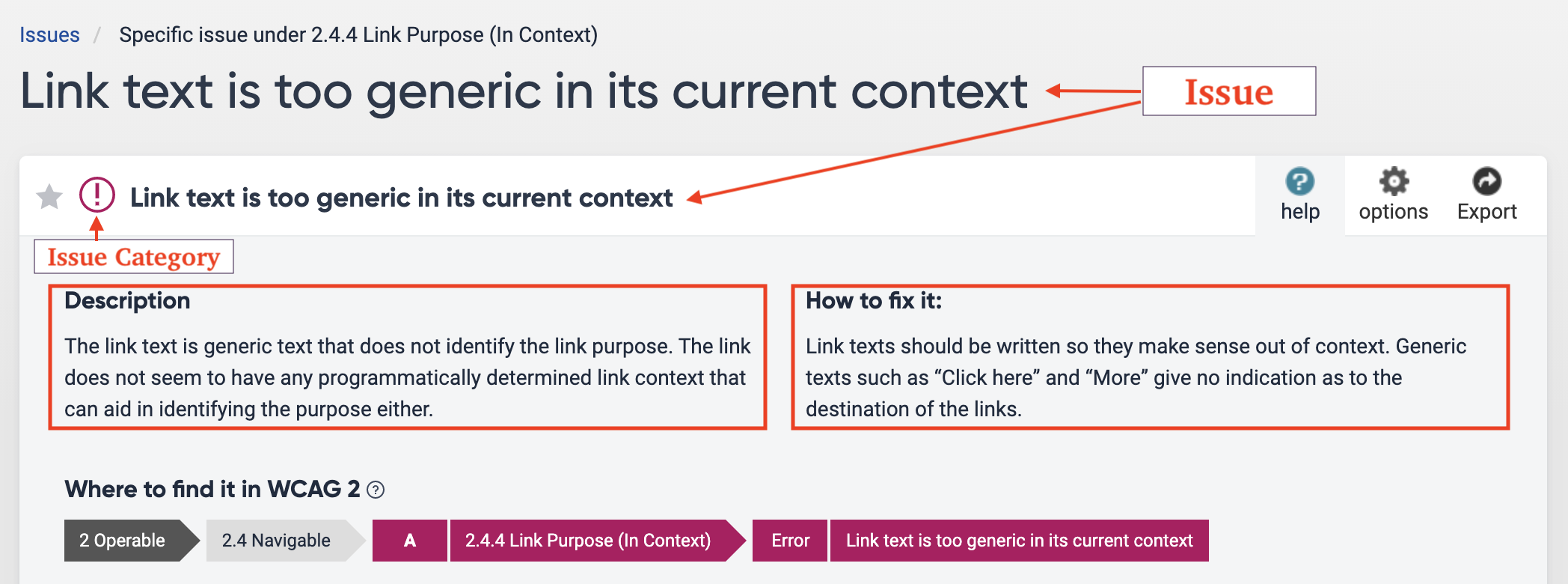
- Click an issue on the list
- Read the description and how to fix it.
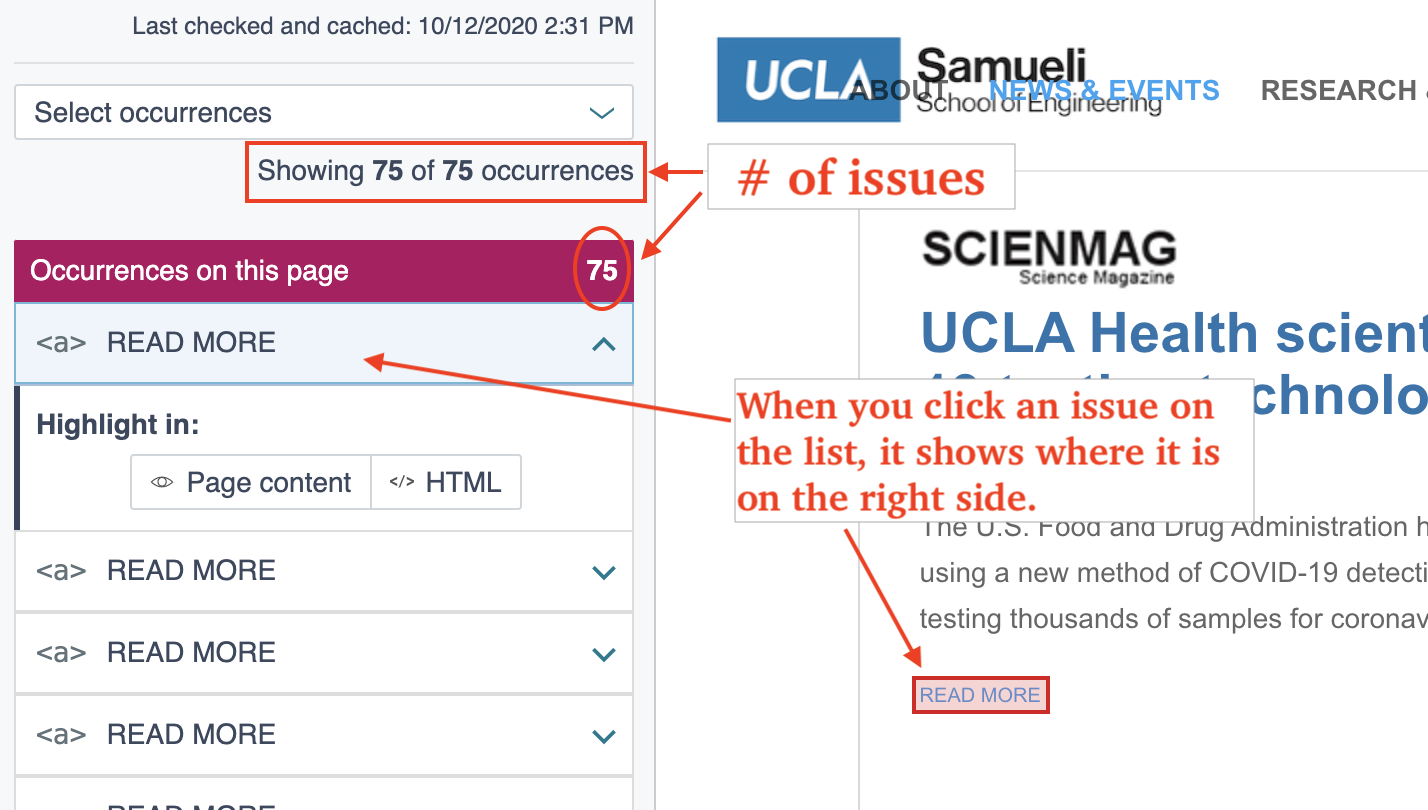
- Click a page with the issue
- Check where the issue locates
- Go to the actual page and fix the issue on WordPress.
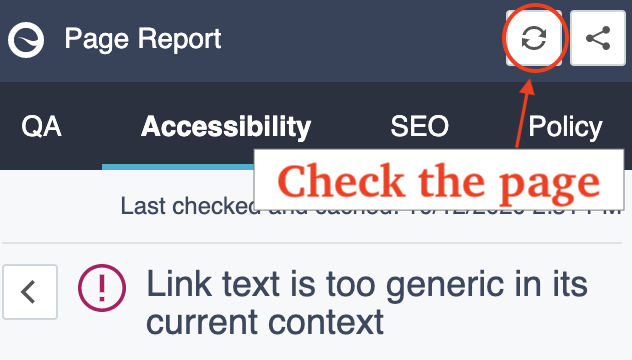
- Check the page on Siteimprove by clicking the "Recheck" button.
Updated